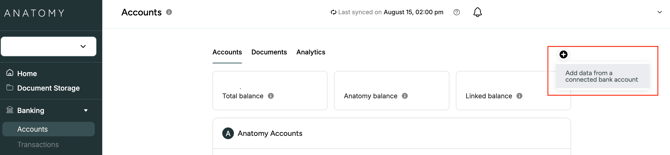
1. Click on "Accounts" in the left sidebar, then click the + button on the right side. In the menu, click "Add data from a connected bank account."
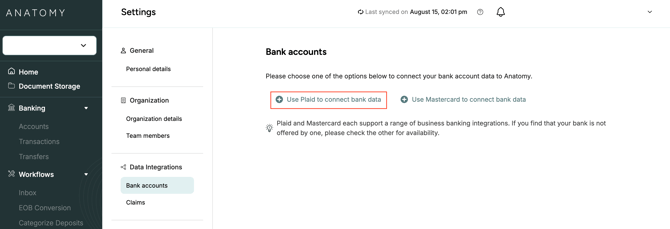
2. From here, you can either connect using Plaid or Mastercard. We recommend trying Plaid first.
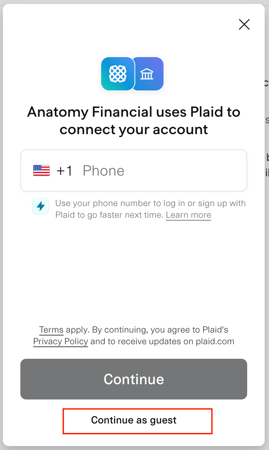
3. In the Plaid pop-up window, select "Continue as guest" instead of entering your phone number.
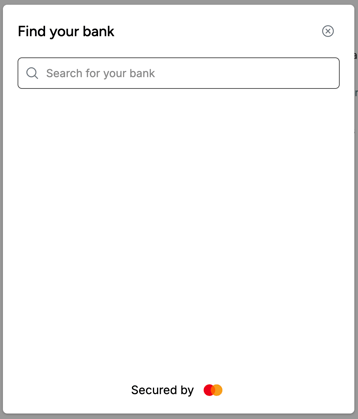
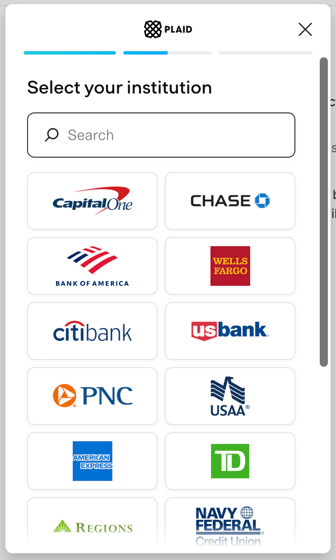
4. Next, find your banking institution and follow the login instructions to establish the data connection.
5. If that doesn't work, exit the pop-up window and try searching for your institution and logging in via the Mastercard link instead.